Starting today, spell check has been added to questions where text needs to be written.
You can enable or disable spell check during the exam, as long as the system administrator has allowed it.
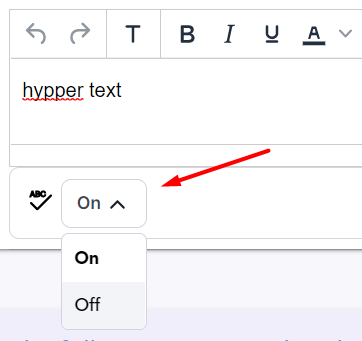
Under the question's text box, select "On" to enable spell check or "Off" to disable the check:
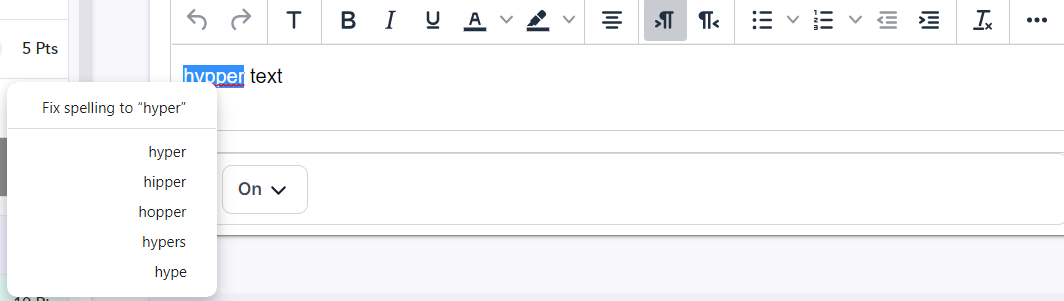
If the check is active, highlight the text you wrote and right-click on it with the mouse. Then, different correction options will be suggested:
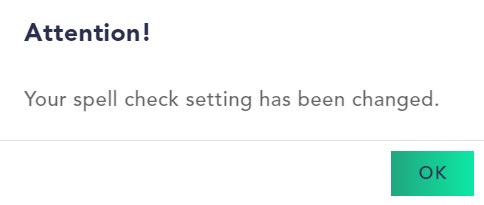
Every time the administrator changes the spell check settings, you will receive an automatic notification about it: